

In today’s busy world, finding the time to manage health can be a challenge. Scheduling an appointment by phone during work hours, waiting on hold for a quick question, or anticipating a call with test results can all create barriers to getting the right care when needed. Sutter Health Plan makes staying connected to your care and coverage easier than ever.
Members can check health plan benefits anytime through the Sutter Health Plan Member Portal and use a variety of self‑service options on My Health Online (MHO) to manage overall health and stay connected with the care team. Anytime, day or night, members can schedule appointments online, view test results as soon as they are available, and — with on‑demand video visits* — access a clinician with just a few clicks.
Members can feel confident that their personal and health information is safe on secure platforms that put healthcare at their fingertips 24/7 for a seamless experience.
Secure Platforms
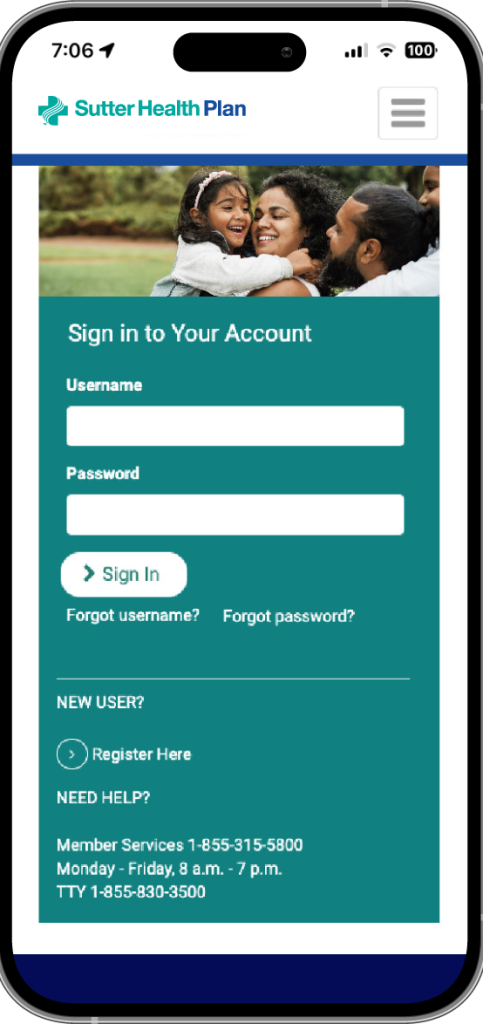
Member Portal for managing health coverage:
- Change primary care physician (PCP)
- Request or print member ID cards
- Check eligibility, benefits, copays and claims information
- Compare out-of-pocket costs for in-network care with a real-time cost estimator tool
- View, save and print a summary of individual and family deductibles and out-of-pocket balances
- Navigate to the Health and Wellness site
- View correspondence
Cost Estimator
Sutter Health Plan provides a real-time benefit cost estimator tool on the Member Portal. It helps members compare personalized out-of-pocket costs for covered in-network services with individual-specific accumulators. Please note, the tool only shows claims paid to date. Access it by logging into the Member Portal and clicking the Cost Estimator link.
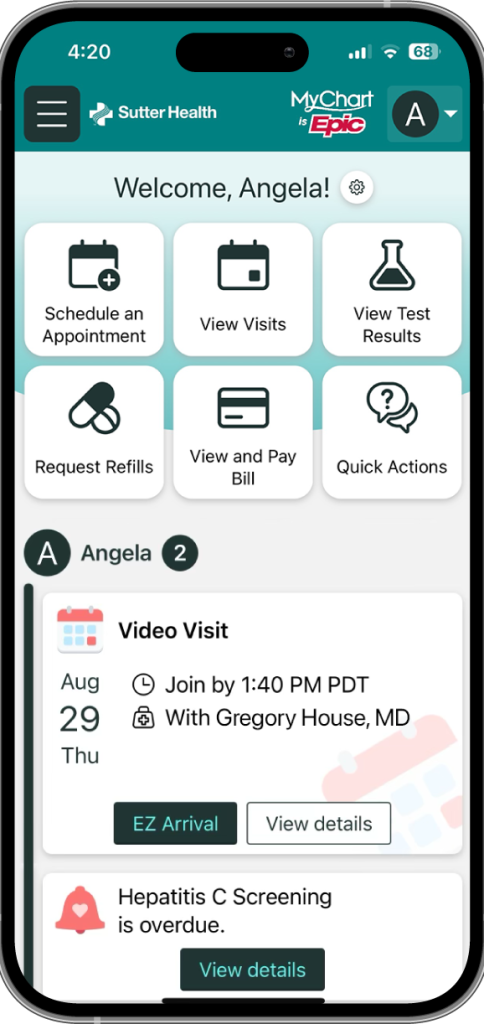
My Health Online for managing healthcare:
- Start an on-demand video visit, available 24/7* (new!)
- Schedule an appointment or video visit
- Chat with a live Customer Service agent
- Explore the “Find Care Now” tool
- Pay bills and copays
- Use the cost estimator tool
- Request prescription refills
- Review referral status
- Join the waitlist to be notified about earlier appointments
- View test results and health records
- Read visit summaries and after-visit instructions
How to Register for the Member Portal
- Go to the Member Portal and enter member name, date of birth, the last four digits of the subscriber’s Social Security Number and the member ID number.
- Create a username and password, enter a phone number and provide answers to two security questions.
- There will be a message that the registration was successful. Next, log in using the new username and password for instant access.
Ways to Register for My Health Online
- Get in-person support at the doctor’s office during an appointment.
- Register online with an activation access code from the care team.
- Fill out an online form and either submit it electronically or download and mail it.
- Call 800-4SUTTER weekdays, 7:00 am – 7:00 pm.
- Create accounts for teens ages 12 to 17.
*Due to high demand, availability of on-demand video visits may vary based on daily volume and provider capacity.